Assignment 09 | Portfolio
Portfolio
Every assignment from this semester, added to the portfolio you started last year.
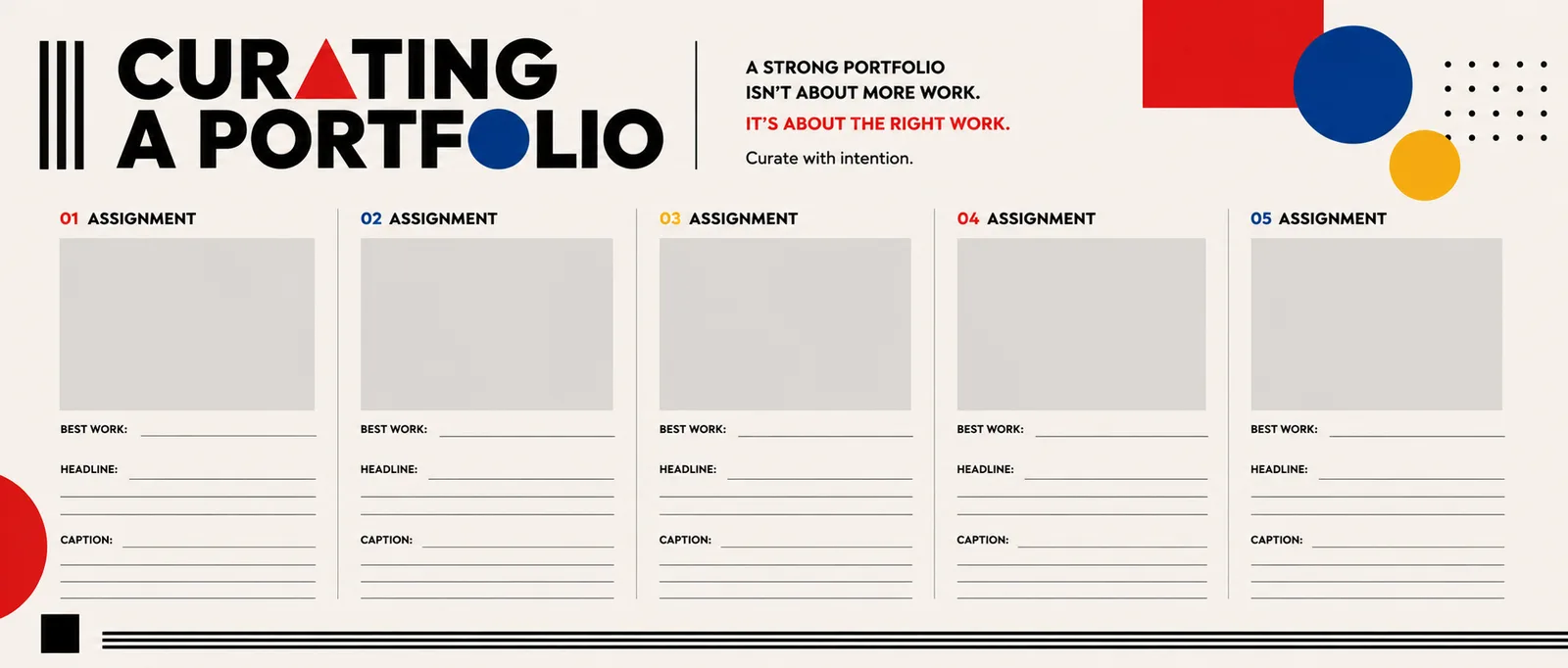
START HEREOpen your one-sheetPrint it or keep it open while you work.Open ↗8
entries
1
per assignment
H1
headline, centered
1 link
is what you submit
The goal
One body of work that shows who you are as a photographer and filmmaker. Someone who was never in this class should understand every entry.
The 8 entries
One for every assignment this semester, in this order.
01
Concept and Mood Board
photo
02
6 Ways to Shoot an Egg
six photos, shown together
03
The Opple Juice Commercial
video
04
Pictorial Continuity and Coverage
video
05
The Music Video
video
06
The Cooking Video
video
07
Create Your Own Symmetrical Image
photo
08
24 Second Day
video
Step by step
Follow these in order. The red lines are where most students lose points.
01
Open last year's portfolio
Adobe Express. Continue it, do not start a new one.
• Sign in at express.adobe.com with the same account as last year.
• Add this semester's work after last year's.
Watch out: A new portfolio loses everything from last year. Find the old one first.
02
Gather your best files
The final versions, at full quality.
• Photos: your exported JPGs. Videos: your final exports.
• For the Egg, all six finals together.
Watch out: Screenshots and small exports look blurry. Use the real files.
03
Build each entry
The same three parts, every time.
• One large photo or video.
• A headline that names the assignment, formatted H1 and centered.
• A short paragraph explaining the assignment, so anyone can understand what it was.
Watch out: Write for a stranger. "We did the egg thing in class" tells our viewers nothing.
04
Check it reads as one body of work
Consistent, clean, in order.
• Same headline style, same spacing, same order as the list above.
• Scroll through it from start to finish, the way a visitor would.
Watch out: A missing entry is easy to miss. Count all 8 before you submit.
05
Publish and submit the link
Share, then paste the link here.
• In Adobe Express: Share, publish, then copy the link.
• Paste the link into this assignment and submit.
Watch out: Open your link in a private window before you submit. If it asks you to sign in, I cannot see it either.
Check before you submit